Effective coding collaboration starts with a small shared goal, clear roles, and a simple way to review work. Paid collaboration tools or structured project-based curricula can be worth considering when they reduce setup time, improve teacher oversight, or make group contributions easier to follow.
For many classes, a basic shared workspace and a lightweight project board are enough to begin. The best choice depends on student skill level, device access, privacy requirements, instructor workload, and whether the class needs built-in lessons or only better coordination.
Students learn more from group programming when each person has a visible responsibility: building, testing, documenting, reviewing, or presenting. The instructor does not need to solve every technical problem, but should control project scope and keep feedback useful.
A repeatable workflow helps prevent one student from doing all the coding while others wait. Before choosing classroom software or a curriculum subscription, compare the setup burden, teacher controls, collaboration features, and approval requirements.
At a Glance
- Start small: choose a testable project goal that a group can explain, build, and review within the available class time.
- Make work visible: assign roles, handoff rules, and short check-ins so collaboration does not become uneven participation.
- Choose tools by workload: free options may work for simple projects, while paid education platforms can help when teacher controls, structured content, or centralized workflows matter.
| Decision Area | What to Compare | Why It Matters in Class |
|---|---|---|
| Shared coding workspace | Whether students can access, save, and share project work easily | Reduces confusion about where the current project version lives |
| Project board | Task assignment, status tracking, and handoff visibility | Helps instructors see what each team is working on without constant interruptions |
| Code review option | Commenting, revision, and peer-feedback workflow | Turns debugging and improvement into a shared learning activity |
| Teacher controls | Class setup, student management, progress views, and moderation options | May save planning time in larger or more structured programs |
| Privacy review | Account requirements, data handling, permissions, and school approval needs | Must be checked before introducing any classroom technology |
| Pricing model | Free access, subscriptions, classroom licenses, or curriculum packages | Clarifies whether the added features match the instructor’s actual needs |
What Effective Instructor–Student Coding Collaboration Looks Like
Three Quick Signs That a Group Project Has a Clear Learning Purpose
A useful group project has a goal students can describe in plain language. For example, the team may need to create a small interactive feature, test a program against agreed conditions, or improve an existing piece of code. The project should also have a visible definition of “done,” such as a working demonstration, a short explanation, and documented changes.
The second sign is that every learner has a meaningful contribution. Not every student needs to write the same amount of code, but each person should own a task that supports the final result. Third, the project includes time to discuss decisions, mistakes, and revisions. Collaboration is not simply dividing work; it is sharing responsibility for the outcome.
The Instructor’s Role: Coach, Reviewer, and Scope Manager
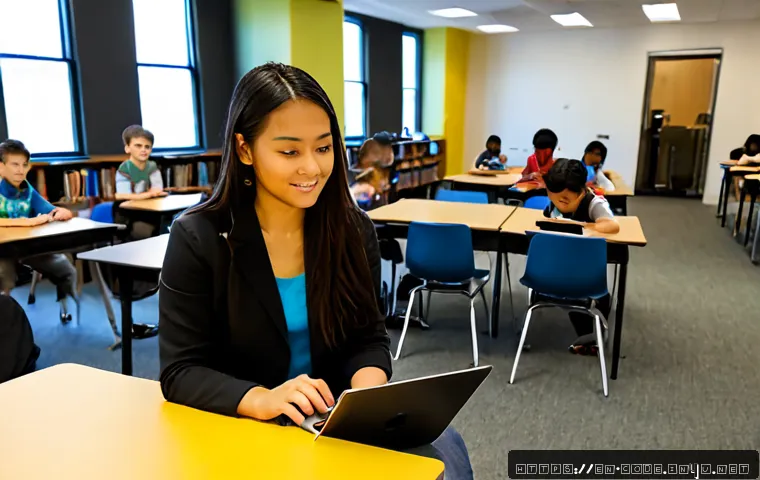
The instructor sets boundaries before students begin. This means choosing an appropriate project size, defining the expected workflow, and making sure students understand how to ask for help. During the project, the instructor can coach teams with questions rather than immediately supplying answers.
As a reviewer, the instructor checks whether the code, documentation, and team process match the learning goal. As a scope manager, the instructor removes unnecessary features when a project becomes too ambitious. A smaller completed project usually gives better collaboration practice than a large unfinished idea.
The Student’s Role: Contributor, Communicator, and Documenter
Students need more than a coding task. They should communicate progress, identify blockers, and leave enough notes for another teammate to continue the work. A student who tests code, records bugs, or writes a clear project explanation is contributing to the technical process.
Ask teams to use simple handoff language: what was changed, what still needs work, and what should be tested next. This builds an early habit of clear technical communication without making the process overly formal.
Collaboration Models That Work in Coding Classes
Pair Programming for Beginners Learning Logic and Debugging
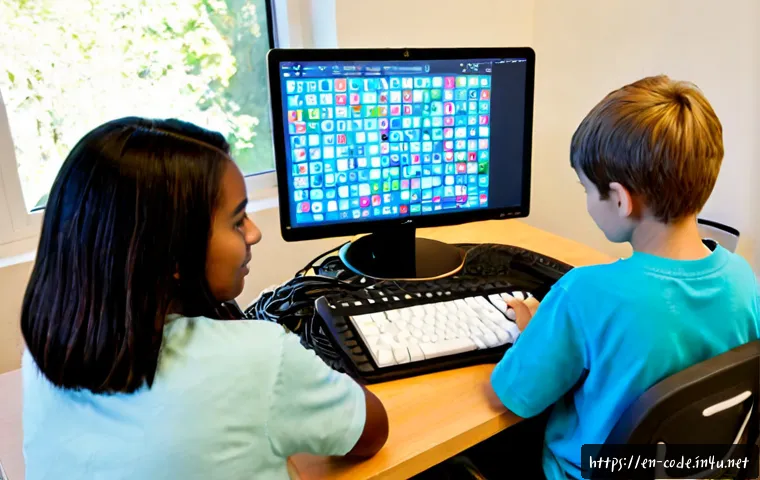
Pair programming can work well for beginners because two students can focus on one small problem at a time. One student writes or controls the code while the other checks the logic, asks questions, and looks for errors. They can switch roles at planned points rather than allowing one person to stay in control for the entire session.
This model is most useful when the task is narrow: a short program, a debugging exercise, or one feature within a larger project. The main caution is passive participation. Give the observing student a concrete responsibility, such as explaining the next step or recording test results.
Small Project Teams With Rotating Roles
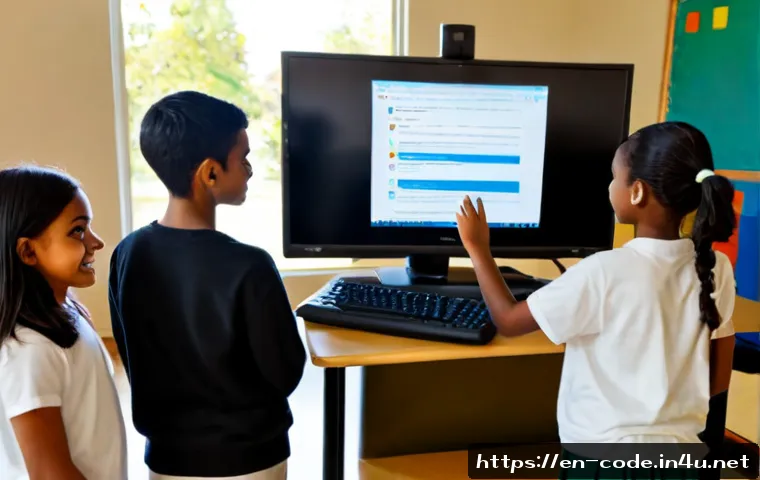
Small teams can use rotating roles such as builder, tester, reviewer, documenter, and presenter. Rotation helps students experience more than one part of a programming workflow. It also makes it easier to notice whether a student is being placed in the same non-technical role repeatedly.
For mixed-skill groups, assign work based on support needs rather than assuming the most experienced student should build everything. A more advanced learner might review a plan, explain a concept, or pair with another student for a limited task. Do not turn one student into the team’s permanent technical support person.
Instructor-Led Code Reviews for Improving Communication and Quality
A short code review gives students practice explaining choices and receiving feedback. The instructor can select one small section of work and ask: What does this code do? What was difficult? What would you change next? Peer comments should focus on clarity, testing, and the project goal rather than personal judgment.
Keep reviews manageable. Reviewing every line of every project may create more work than the class can support. A targeted review of one function, one bug fix, or one documented decision is often enough to build the habit.
Compare Tools, Time Costs, and Classroom Value
Free Tools Versus Paid Education Platforms: What to Compare
Free coding tools may be suitable when students need a simple place to write code, share files, or complete small assignments. A paid education platform or project-based curriculum subscription may be more useful when the instructor needs structured lessons, centralized class management, progress visibility, guided projects, or support materials.
Focus on instructional fit, not just feature lists. A platform with many advanced options can still create extra setup work if students only need a basic collaboration workflow. Conversely, a structured curriculum provider may save planning time if the program needs repeatable projects and instructor-ready materials.
When a Shared Workspace or Project-Management Tool Saves Instructor Time
A shared workspace can reduce repeated questions about file versions, task ownership, and unfinished work. A simple project board can help teams separate “to do,” “in progress,” “ready for testing,” and “complete” tasks. These systems are especially helpful when several groups are working at different speeds.
The tool should not become the lesson itself. If students spend too much class time learning a complicated workflow, simplify it. Start with only the features needed for task assignment, progress updates, and feedback.
Privacy, Account Setup, Device Access, and School Approval Checks
Before adopting classroom collaboration software, review how accounts are created, what information students may need to provide, and whether the tool works on available devices. Check the provider’s current privacy terms, school licensing details, and any local approval process required by the institution.
It is also wise to plan for access issues. Students may have different devices, internet reliability, or prior experience with online platforms. A backup workflow, such as an instructor-managed shared document or paper task sheet, can keep the project moving.
A Practical Workflow for Running a Collaborative Project
Set a Small, Testable Project Goal
Begin with one outcome that can be demonstrated. Instead of asking teams to build a complete application, ask them to create and test one feature or solve one defined user problem. State what students should produce and how they will show that it works.

A clear goal limits scope and makes feedback easier. It also helps students decide whether a new idea belongs in the current project or should be saved for later.
Assign Roles, Deadlines, and Handoff Rules
Give each team a short task list with an owner for each item. Include a deadline or check-in point, even if the project only runs for one class period. Define what a handoff should include: the current code state, a note about what changed, and a next step for the teammate.
Roles may rotate, but ownership should remain visible. Visible ownership is not surveillance; it is a way to make support and recognition more balanced.
Use Short Check-Ins, Peer Feedback, and Final Reflection
Brief check-ins can reveal blocked teams early. Ask what the group completed, what is unclear, and what they will do next. During peer feedback, have students comment on one specific element: functionality, readability, testing, or documentation.
End with a short reflection. Students can describe their role, one contribution from a teammate, one issue the group resolved, and one process change they would make next time. This makes the collaboration process part of the learning, not an invisible extra task.
Prevent Uneven Participation and Common Group-Project Mistakes
Avoid Projects That Are Too Large for the Available Class Time
Oversized projects encourage rushed work and uneven task distribution. If a project has many features, break it into separate milestones and require teams to complete the first working version before adding more. A stable, small project is easier to review and easier for students to understand.
Track Contributions Without Turning Every Task Into Surveillance
Use lightweight evidence of participation: task notes, brief updates, review comments, testing records, or reflection prompts. The aim is to identify where support is needed, not to measure every minute of work. Students should know what kind of contribution is expected before the project starts.
Support Mixed Skill Levels Without Assigning One Student All Technical Work
Mixed-skill teams benefit from structured roles and narrow tasks. A learner with more experience can explain a decision or review a test case, while another learner implements a small guided change. Rotate opportunities to code, test, and explain.
Be cautious about labeling students as “the coder” or “the helper.” Those labels can become permanent. Better collaboration develops when all students have a chance to practice both technical and communication skills.
Selection Criteria and Comparison Summary
Before selecting classroom software, a coding platform, or a project-based curriculum provider, check these points:
- Class fit: Can the workflow match the learners’ coding level, group size, and available class time?
- Instructor workload: Does the tool reduce planning or review work, or does it add unnecessary setup?
- Collaboration features: Are shared workspaces, task tracking, feedback, and code review options actually needed?
- Access and privacy: Can students use it on available devices, and have current privacy and school approval requirements been reviewed?
- Budget fit: Does a free tool meet the core need, or would a paid platform, tutoring support, or structured curriculum offer useful time savings?
When comparing providers, review the official product page for current features, licensing options, privacy details, and classroom support conditions before making a decision.
Closing Thoughts
Strong coding collaboration is built through a repeatable process, not by placing students into groups and hoping the work divides itself. Keep the project small, define what each student owns, and create regular moments for testing and feedback. Tools can support this process, but they do not replace clear instruction. The best system is one that students can follow consistently and instructors can manage without losing focus on learning.
Useful Things to Know
Start with one routine. A simple task board, role card, and end-of-class reflection can be enough for an initial collaborative project.
Use rotation intentionally. Students benefit when coding, testing, documentation, and presentation opportunities are shared over time.
Keep feedback specific. Comments about a test, a code section, or a documented decision are usually more useful than vague praise or criticism.
Important Considerations
Student ages, coding experience, class size, devices, and learning settings can change which collaboration method is practical. Individual results will vary based on project scope, instructor support, and student participation. Platform features, pricing, privacy terms, and school licensing requirements may change, so verify current details directly with the relevant provider or institution before adoption.
Frequently Asked Questions
Q1. What is the easiest collaboration model for beginner coding students?
A1. Pair programming is often a straightforward starting point because two students can work on one small coding or debugging task. Set clear switching points so both students practice active participation.
Q2. Do coding classes need paid collaboration software, or can free tools be enough?
A2. Free tools can be enough for simple projects when students only need basic coding, sharing, and task coordination. A paid education platform may be worth evaluating when structured curriculum content, teacher controls, centralized management, or more formal review workflows would reduce instructor workload.
Q3. How can an instructor make sure every student contributes to a group coding project?
A3. Assign visible roles, use small tasks with clear owners, hold short progress check-ins, and ask students to reflect on their own work and team process. Track contributions lightly through task updates, testing notes, documentation, or peer feedback rather than relying on assumptions.